Wep Academy Best Computer Class In Jamshedpur Param Sir" While Another Said, "Best In Jamshedpur.

 Bestseller
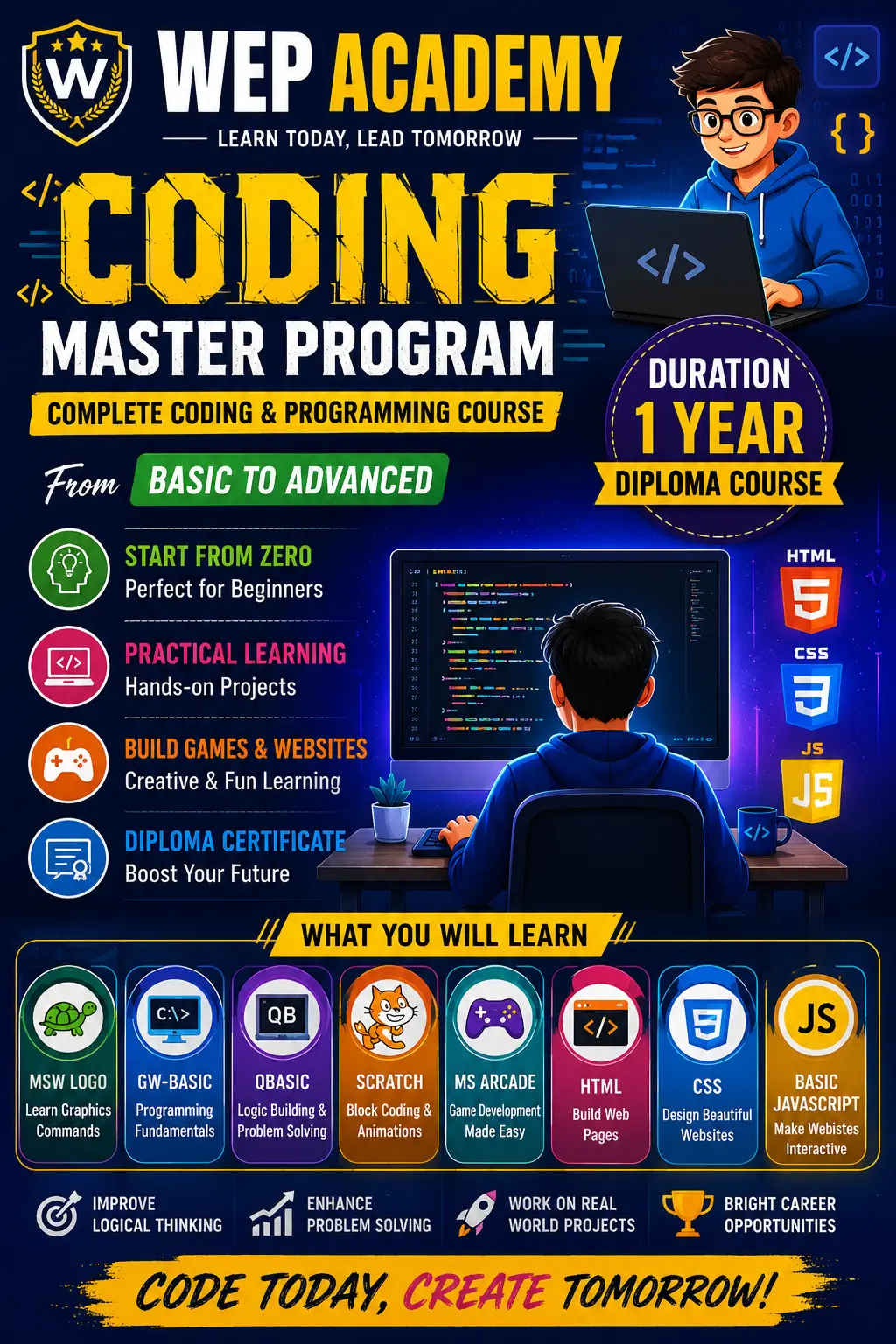
CCA is a 1-year computer course designed for students from Class 7 to Class 10. This program introduces computers, typing, MS Office, internet usage, creativity tools, basic programming, and practical computer skills needed for school projects and daily digital activities. Students will also learn Scratch coding, QBasic/GW-Basic, painting, and safe internet usage. The course builds confidence and prepares students for advanced computer studies.
1. Computer Basics & Information
What is Computer
Hardware & Software
Input/Output Devices
Storage Devices
Computer Generations
Computer Lab Safety Rules ✅ (added)
Computer Ethics & Digital Discipline ✅ (added)
---
✅ 2. Typing & Keyboard Skills
Typing Master
Basic to Intermediate Typing
Speed & Accuracy
Touch Typing Basics ✅ (added)
Shortcut Keys (Very Important) ✅ (added)
---
✅ 3. Text & Writing Tools
Notepad
WordPad
Formatting Text
Saving & Printing
Creating School Projects ✅ (added)
---
✅ 4. Drawing & Creativity
MS Paint
Poster Making
Creativity Tasks
Multimedia Basics
Image Editing (simple) ✅ (added)
---
✅ 5. MSW Logo Coding
Basic Commands
Shapes
Patterns
Drawing with Code
---
✅ 6. Programming Basics Coding
GW Basic
QBasic
Scratch Programming
Scratch is a free programming language and online community where you can create your own interactive stories, games, and animations.
Logic Building Games ✅ (added)
Simple Coding Projects ✅ (added)
Develop your programming skills by quickly creating and modding retro arcade games with Blocks and JavaScript in the MakeCode editor.
---
✅ 7. MS Office Package
MS Word
Typing Projects
Table
Resume (Simple)
School Project File
MS Excel
Basic Formulas (SUM, AVG, MAX, MIN)
Marks Sheet
Timetable
Chart Making
MS PowerPoint
Presentation Making
Images & Animation
School Project Presentation
---
✅ 8. Internet & Online Skills ✅ (added – very important)
What is Internet
Browsing
Searching information for school
Downloading Images
Email Basics
Google Tools (Docs/Drive Intro) ✅ (added)
Safe Internet Rules (Cyber Safety) ✅ (added)
---
✅ 9. Multimedia
Audio/Video Basics
Playing Media
Simple Editing (Trim, Cut) ✅ (added)
Using Mobile Photos in Computer ✅ (added)
---
✅ 10. File Management ✅ (added – very important)
Folder Creation
Copy/Paste/Move/Delete
Pendrive Use
Saving Projects Properly
---
✅ 11. BONUS MODULES (Very Useful – My Suggestion)
⭐ Basic HTML (Only Introduction)
What is HTML
Heading, Paragraph
Images & Links (Bachchon ko coding interest badhega)
⭐ Cyber Safety & Digital Awareness
Password Safety
Online Fraud Awareness
Safe YouTube Use

Wep Academy Best Computer Class In Jamshedpur Param Sir" While Another Said, "Best In Jamshedpur.
best 👌teacher
Copyright © 2026 DITRP INDIA. All Rights Reserved