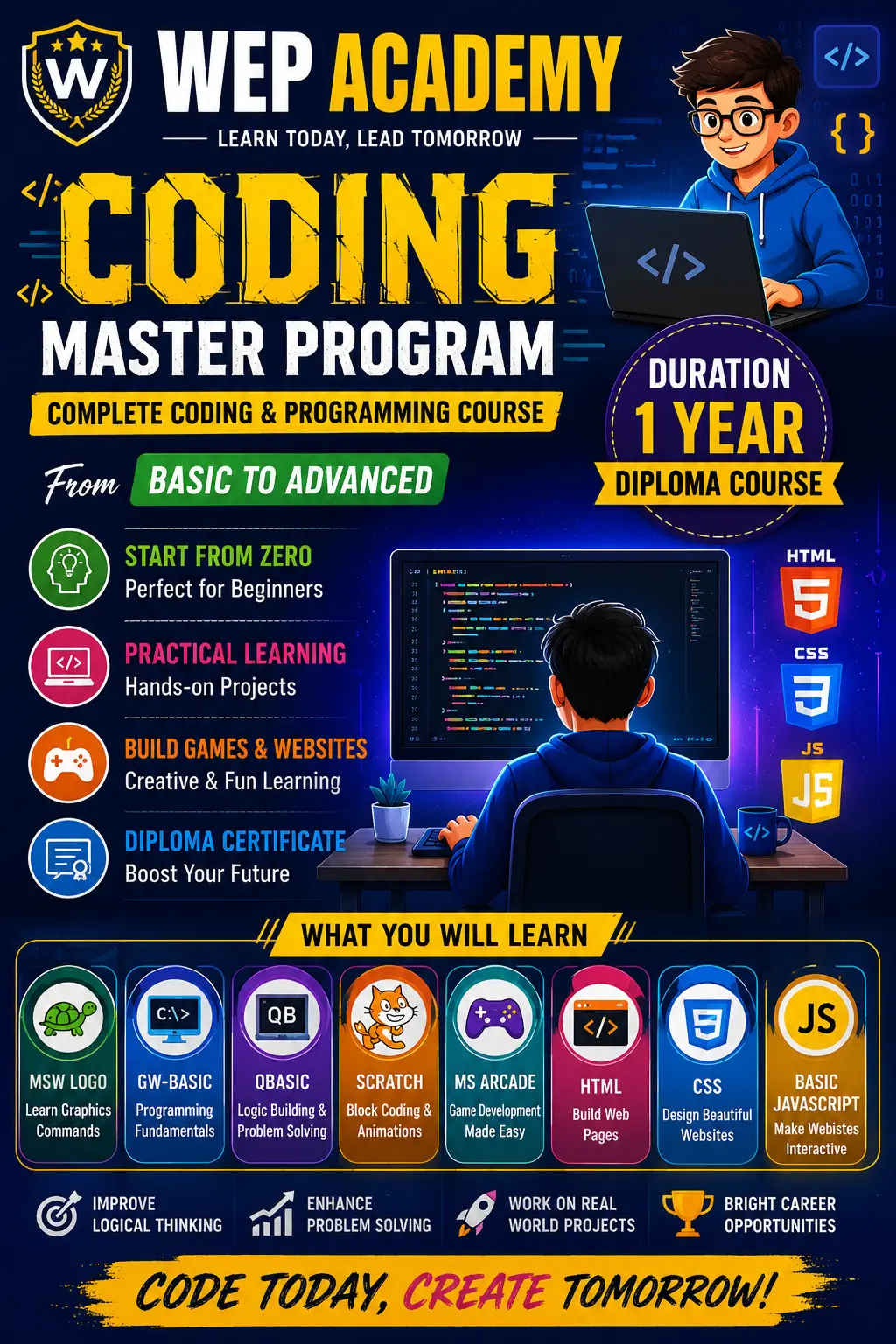
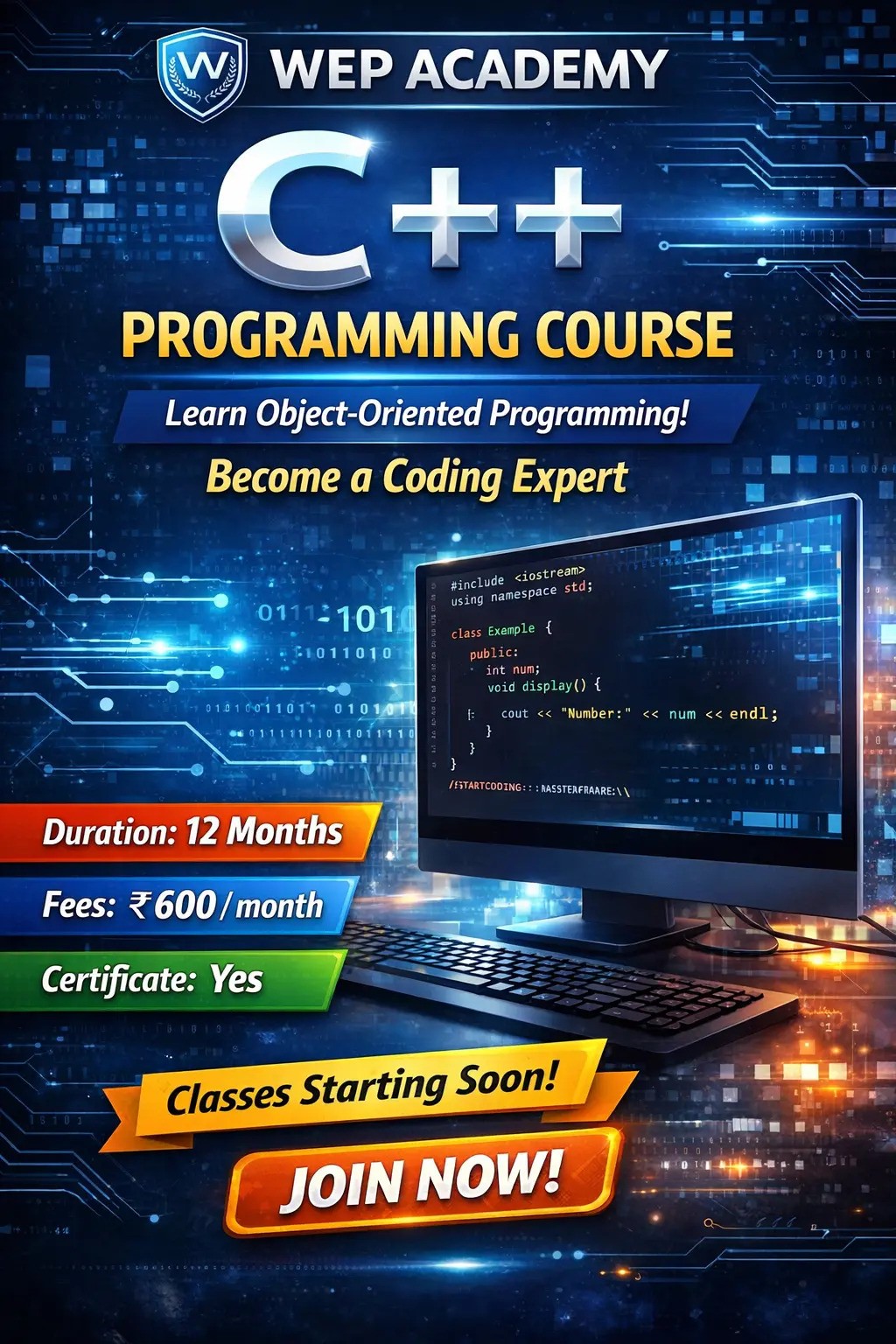
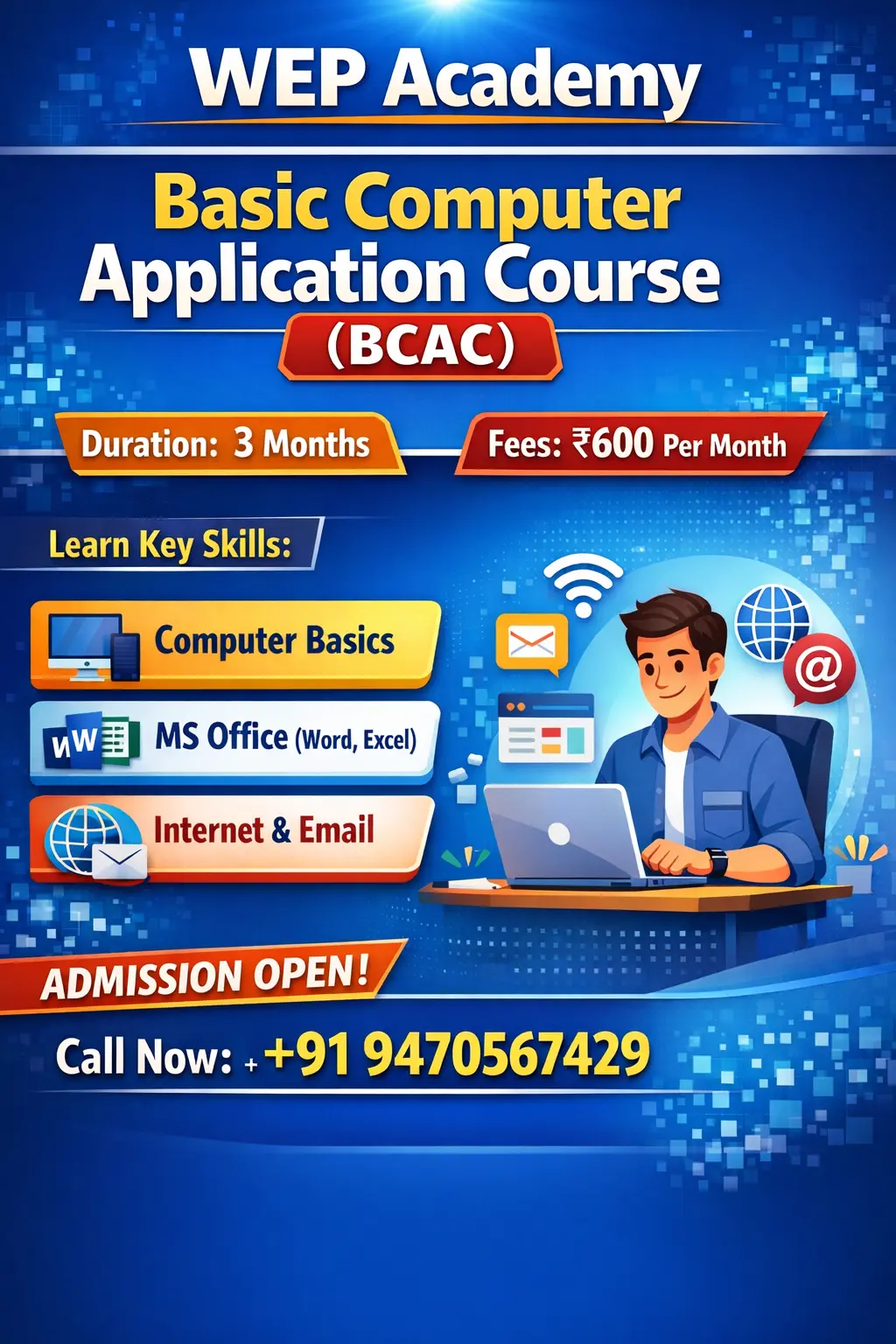
wep academy best computer class in kitadih

 Bestseller
BCC – Basic Computer Course is a 6-month foundation program designed for beginners to build strong computer fundamentals. Students will learn essential computer concepts, operating system skills, typing and writing tools, MS Office basics, internet usage, scanning and printing, and practical project work. This course prepares students for advanced programs like DCA and professional computer usage.
After completion, students will be able to:
✅ Operate a computer confidently
✅ Create and manage files and folders
✅ Use Notepad and WordPad professionally
✅ Work with MS Word, Excel and PowerPoint
✅ Use the internet safely and effectively
✅ Scan and print documents
✅ Complete basic computer projects
Module 1: Computer Fundamentals
Introduction to computers
Types and parts of a computer
Input & output devices
Booting process
Files and folders management
Operating system basics (Windows)
---
Module 2: WordPad & Typing Skills
Creating and editing documents
Formatting text and paragraphs
Page setup & printing
Saving and organizing documents
Basic typing practice
---
Module 3: Paint
Drawing and editing tools
Shapes and colors
Image creation
Saving and exporting images
---
Module 4: MS Office Package (Basic)
✅ MS Word
Create documents
Formatting
Tables
Pictures & layouts
✅ MS Excel
Creating spreadsheets
Basic formulas
Formatting cells
Data entry & tables
✅ MS PowerPoint
Creating presentations
Slides formatting
Themes & animations
Presenting skills
---
Module 5: Internet Tools
What is Internet & Web Browser
Searching information online
Creating and using Email
Downloading & uploading files
Online forms and applications
---
Module 6: Scanning & Printing
Using printer & scanner
Scan to image/PDF
Print settings
Page layout & quality settings
---
Module 7: Project Work
Students will complete a final project that includes:
Document (Word)
Spreadsheet (Excel)
Presentation (PowerPoint)
Printed output
Scanned document
---
✅ Learning Outcomes
After completing this course, students will be able to:
Use a computer confidently
Create documents, spreadsheets, and presentations
Use internet & email effectively
Scan and print documents
Prepare for advanced courses like DCA

wep academy best computer class in kitadih
Copyright © 2026 DITRP INDIA. All Rights Reserved