great computer class

 Bestseller
✅ Course Description
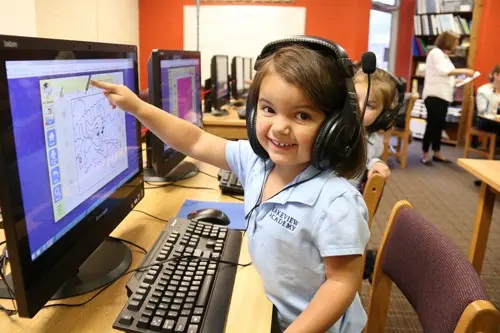
This 2-year Junior Computer Certificate (JCC) program is designed for students of Class 4 to Class 6 to build strong computer fundamentals. The course focuses on typing skills, creativity, logical thinking, basic programming, MS Office, internet usage, and project work. Students learn through practical activities, educational games, and real computer applications. After completing this course, students will be able to use a computer confidently for school and daily tasks
1. Computer Basics & Information
What is Computer
Hardware & Software
Input/Output Devices
Storage Devices
Computer Generations
Computer Lab Safety Rules ✅ (added)
Computer Ethics & Digital Discipline ✅ (added)
---
✅ 2. Typing & Keyboard Skills
Typing Master
Basic to Intermediate Typing
Speed & Accuracy
Touch Typing Basics ✅ (added)
Shortcut Keys (Very Important) ✅ (added)
---
✅ 3. Text & Writing Tools
Notepad
WordPad
Formatting Text
Saving & Printing
Creating School Projects ✅ (added)
---
✅ 4. Drawing & Creativity
MS Paint
Poster Making
Creativity Tasks
Multimedia Basics
Image Editing (simple) ✅ (added)
---
✅ 5. MSW Logo Coding
Basic Commands
Shapes
Patterns
Drawing with Code
---
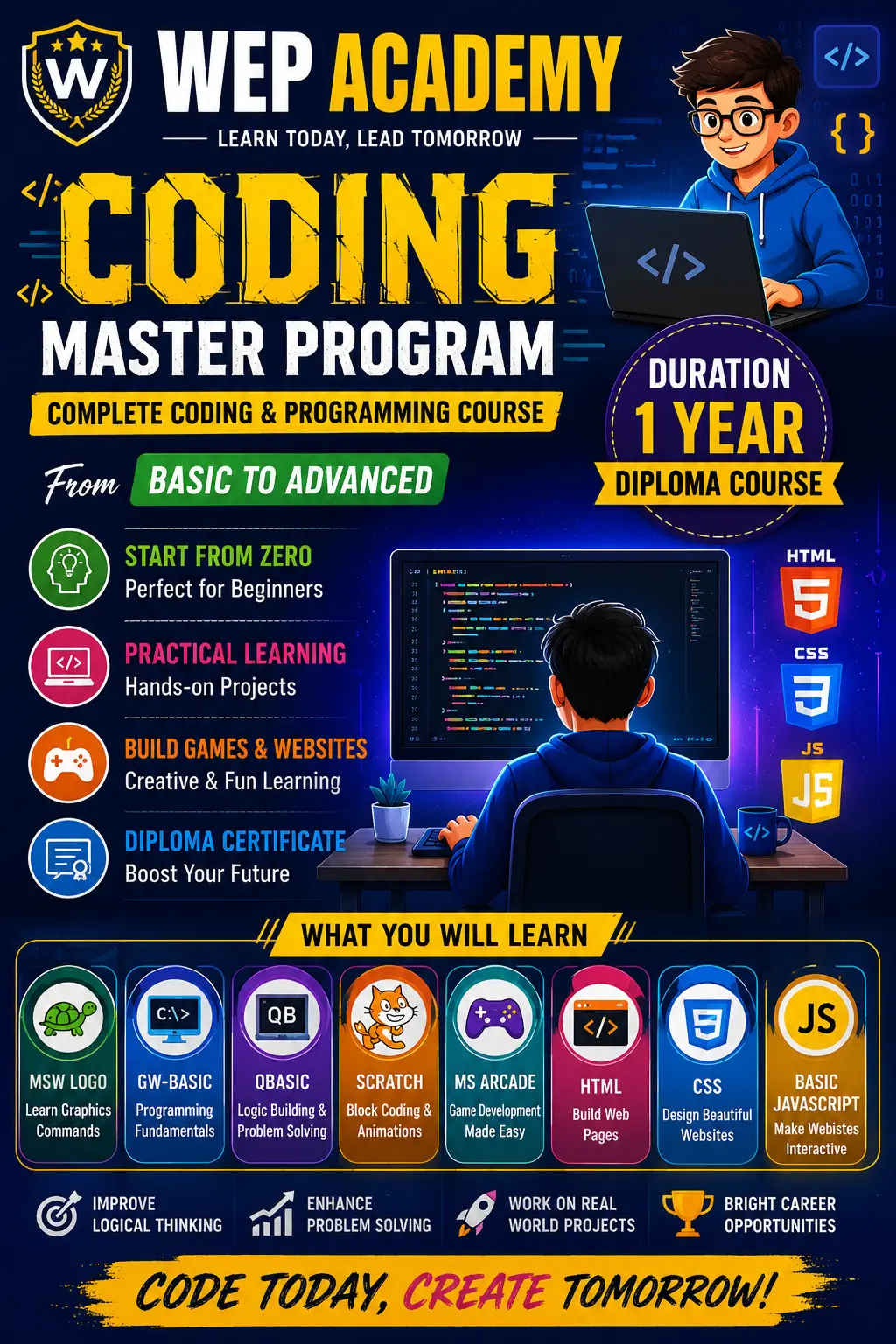
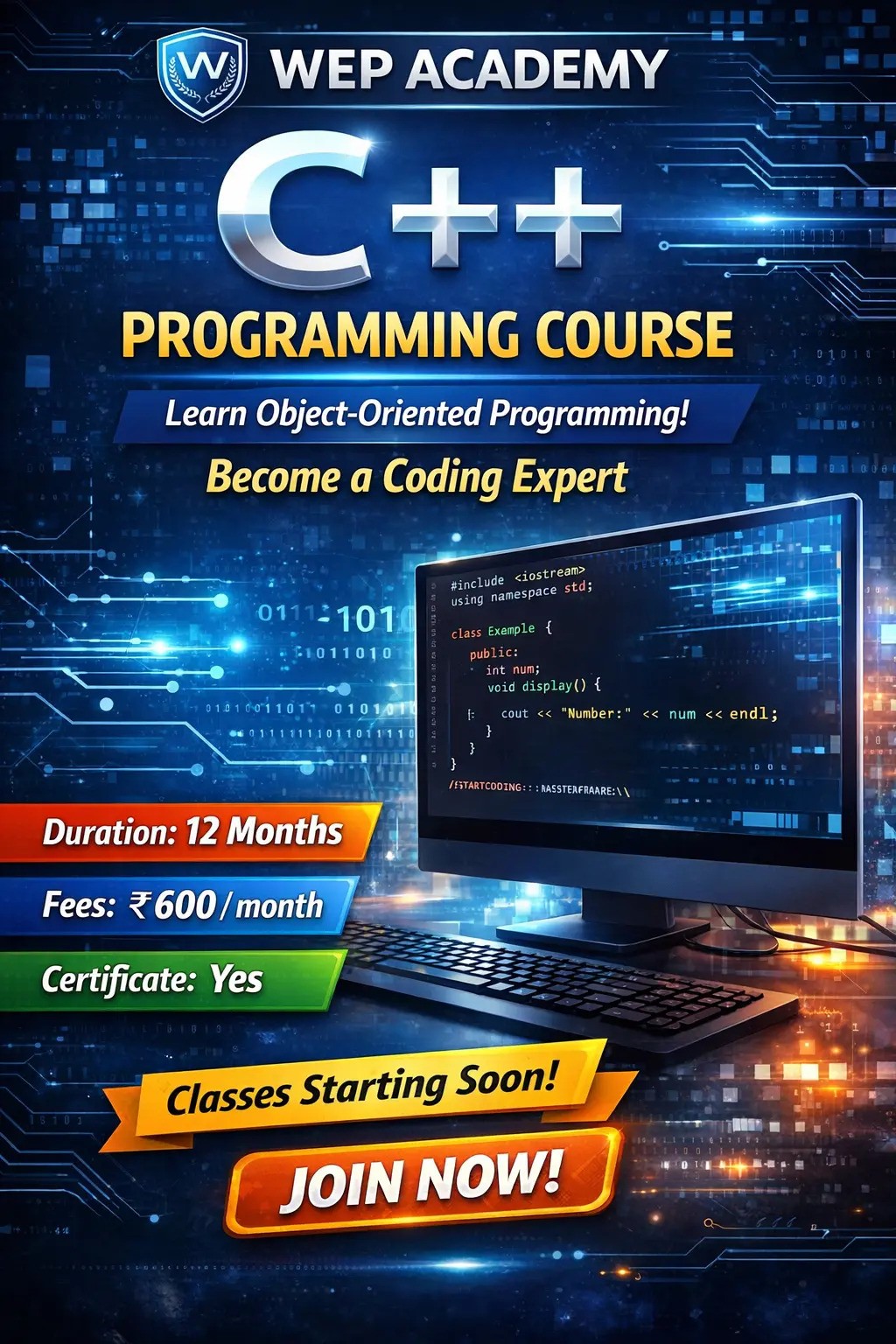
✅ 6. Programming Basics Coding
GW Basic
QBasic
Scratch Programming
Scratch is a free programming language and online community where you can create your own interactive stories, games, and animations.
Logic Building Games ✅ (added)
Simple Coding Projects ✅ (added)
Develop your programming skills by quickly creating and modding retro arcade games with Blocks and JavaScript in the MakeCode editor.
---
✅ 7. MS Office Package
MS Word
Typing Projects
Table
Resume (Simple)
School Project File
MS Excel
Basic Formulas (SUM, AVG, MAX, MIN)
Marks Sheet
Timetable
Chart Making
MS PowerPoint
Presentation Making
Images & Animation
School Project Presentation
---
✅ 8. Internet & Online Skills ✅ (added – very important)
What is Internet
Browsing
Searching information for school
Downloading Images
Email Basics
Google Tools (Docs/Drive Intro) ✅ (added)
Safe Internet Rules (Cyber Safety) ✅ (added)
---
✅ 9. Multimedia
Audio/Video Basics
Playing Media
Simple Editing (Trim, Cut) ✅ (added)
Using Mobile Photos in Computer ✅ (added)
---
✅ 10. File Management ✅ (added – very important)
Folder Creation
Copy/Paste/Move/Delete
Pendrive Use
Saving Projects Properly
---
✅ 11. BONUS MODULES (Very Useful – My Suggestion)
⭐ Basic HTML (Only Introduction)
What is HTML
Heading, Paragraph
Images & Links (Bachchon ko coding interest badhega)
⭐ Cyber Safety & Digital Awareness
Password Safety
Online Fraud Awareness
Safe YouTube Use

great computer class
Copyright © 2026 DITRP INDIA. All Rights Reserved